
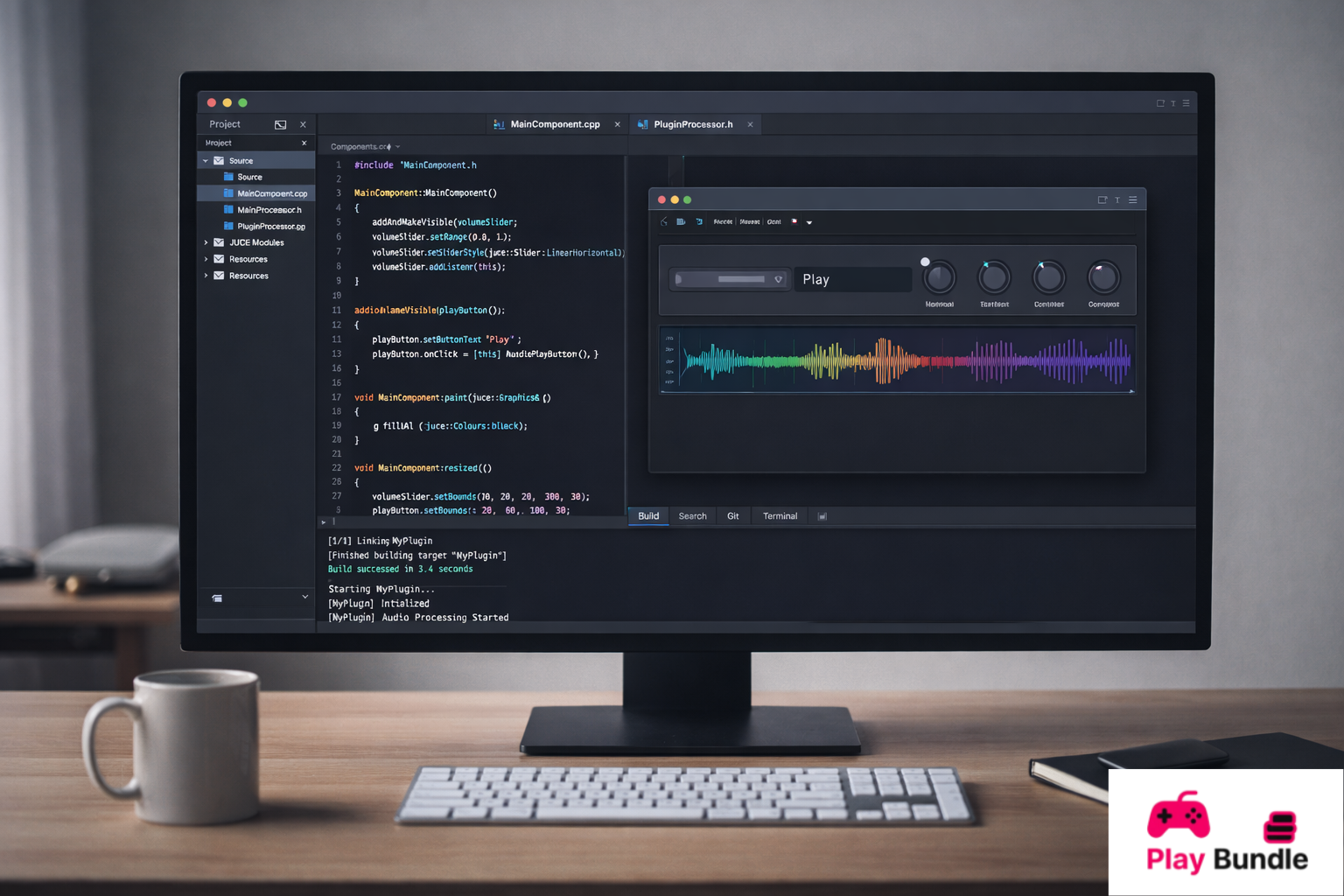
In the world of software development, JUCE C++ stands out as a powerful framework specifically designed for creating high-performance audio applications. Whether you’re a beginner looking to dive into audio programming or a seasoned developer aiming to build complex audio software, this is a tool that can handle everything from simple sound processing to creating sophisticated audio plugins. This open-source framework is a go-to solution for developers who want to create cross-platform applications without the hassle of dealing with the underlying platform-specific code.
It offers a vast range of features that make it ideal for real-time audio applications. It enables users to create software that runs smoothly on all major operating systems, including macOS, Windows, and Linux. The framework provides tools for creating audio effects, synthesizers, and even virtual instruments. With JUCE, developers can access a wide range of audio algorithms, all while maintaining an intuitive and user-friendly experience.
In this article, we will explore everything you need to know about it, including its installation process, system requirements, key features, pros and cons, frequently asked questions, and a comprehensive conclusion. Whether you’re just getting started or looking to enhance your existing knowledge, this guide will serve as your ultimate resource for mastering it.
What is JUCE C++?
JUCE C++ is a cross-platform software development framework specifically designed for creating professional audio applications and plugins. It provides developers with a set of tools and libraries that make it easy to design and build complex audio software without dealing with low-level platform-specific code.
The framework is well-known for its robust and flexible architecture, which allows developers to create real-time audio applications that work seamlessly across different platforms. Whether you’re designing audio effects, synthesizers, or complex virtual instruments, JUCE C++ offers the necessary tools to create high-performance applications.
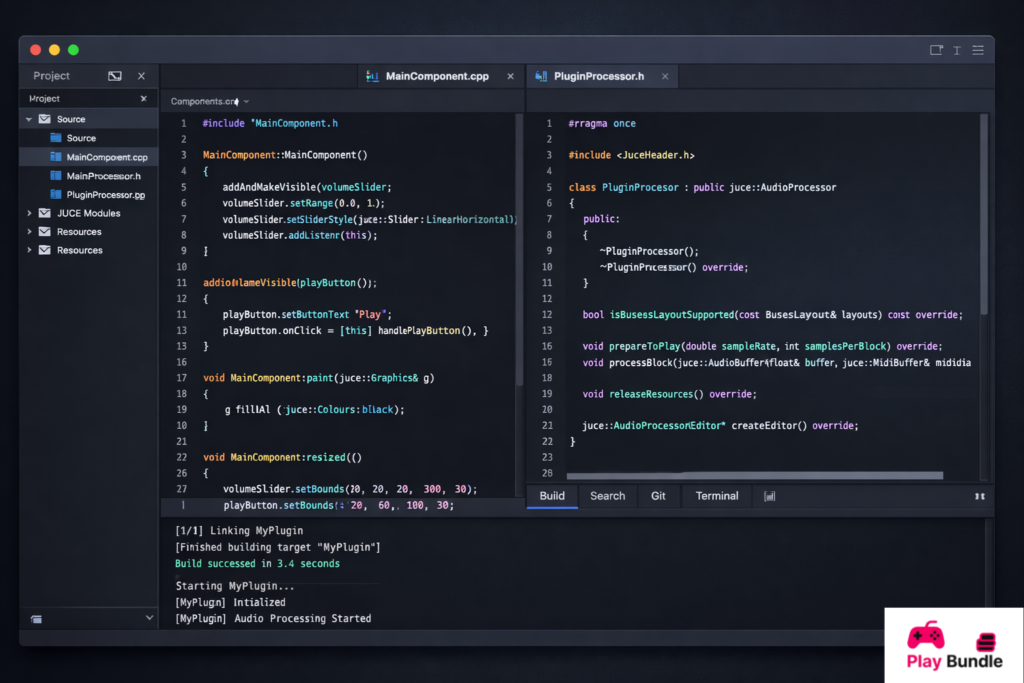
One of the standout features of it is its ability to integrate with several major audio plugin formats, including VST, AU, and AAX, making it ideal for plugin developers. JUCE also comes with a built-in GUI system, making it possible to design highly interactive and visually appealing user interfaces for your audio applications.
System Requirements
| Component | Requirement |
| Operating System | macOS (10.11 or later), Windows (7 or later), Linux (Ubuntu 16.04 or later) |
| Processor | Intel Core i3 / AMD Ryzen 3 or higher |
| RAM | 4GB minimum, 8GB recommended |
| Storage | 1GB free disk space for installation |
| Graphics | Any modern GPU with OpenGL 2.1 support |
| Development Tools | Xcode (macOS), Visual Studio (Windows), GCC (Linux) |
| C++ Compiler | GCC, Clang, or Visual Studio compiler |
How to Install
Installing it is a straightforward process, and you can start using it within minutes. Below is a step-by-step guide to help you set up JUCE on your machine.
- Download JUCE: Go to the official JUCE website and download the latest version of JUCE C++.
- Install Development Tools: Make sure you have the required development tools installed:
- macOS: Install Xcode from the Mac App Store.
- Windows: Download and install Visual Studio.
- Linux: Install GCC or Clang using the package manager.
- Extract JUCE: Once you have the JUCE framework downloaded, extract the files to a convenient location on your system.
- Launch the Projucer: The Projucer is JUCE’s project management tool. Open the Projucer and start creating a new project.
- Build Your First Project: Select a project template (audio application, plugin, etc.), and build your project. Once the project is created, you can open it in your preferred IDE (Xcode, Visual Studio, etc.).
By following these steps, you’ll have the software up and running in no time.
Key Features:
JUCE C++ offers a wide range of features that make it an excellent choice for audio application development. Here are some of the key features of this software:
- Cross-Platform Compatibility: JUCE allows developers to create applications that work across all major platforms, including macOS, Windows, and Linux.
- Audio Plugin Support: JUCE supports all major plugin formats, such as VST, AU, and AAX, making it a top choice for plugin developers.
- Real-Time Audio Processing: The framework is designed for low-latency, real-time audio processing, making it ideal for live performance and studio applications.
- Built-in GUI Tools: JUCE comes with a set of powerful tools for designing user interfaces, including drag-and-drop functionality and customizable components.
- Comprehensive Documentation: JUCE offers extensive documentation and tutorials to help developers get up to speed quickly.
- Open-Source: JUCE is open-source, meaning it’s free to use, and the community can contribute to its development.
Pros and Cons:
Pros
- Cross-Platform: It works seamlessly across macOS, Windows, and Linux, allowing for easy distribution.
- Open-Source: Being open-source, JUCE is free to use and has a large community of contributors.
- Scalable: It’s easy to scale from small applications to more complex, professional-grade audio software.
- Real-Time Performance: The framework is built for real-time audio processing, making it ideal for performance-heavy applications.
- GUI Support: JUCE provides excellent GUI tools for creating interactive user interfaces.
Cons
- Learning Curve: It can be difficult for beginners, especially those new to C++ and audio programming.
- Resource-Heavy: JUCE may be resource-intensive on lower-end systems with limited processing power and RAM.
- Limited Non-Audio Features: JUCE is designed specifically for audio applications, so if you’re looking to build general-purpose applications, other frameworks might be more suitable.
FAQs
What are the licensing options for JUCE C++?
JUCE offers both a free and commercial license. The free version is open-source and suitable for personal projects, while the commercial license is designed for developers building commercial applications.
Can I use it for non-audio applications?
JUCE is primarily designed for audio applications, but its flexibility allows it to be used for other types of software development, especially those requiring GUI support.
Does JUCE support mobile platforms?
Yes, JUCE supports mobile platforms like iOS and Android, allowing you to build audio applications for smartphones and tablets.
Is this beginner-friendly?
While JUCE is beginner-friendly to some extent, it does have a steep learning curve, especially for those who are new to C++ and audio programming. However, JUCE offers extensive documentation and tutorials to help new users.
How can I get support for JUCE?
JUCE has an active online community, and you can find support through their forums, as well as from the official documentation and tutorials.
Conclusion
JUCE C++ is an incredibly powerful framework for developers looking to create professional-grade audio applications. With its cross-platform capabilities, real-time audio processing, and robust set of tools, it remains one of the most popular choices for audio developers. Despite its learning curve, JUCE provides everything a developer needs to build high-performance audio software and plugins. Whether you’re a beginner or a seasoned pro, this is an excellent choice for anyone looking to delve into audio application development.
